

Funcionalidades
Aproveite funcionalidades avançadas e integre a CookiePal com outras ferramentas.
Como configurar o Google Consent Mode
Neste guia, vamos mostrar como instalar a CookiePal usando o Google Consent Mode (GCM).
Índice
Voltar
Voltar ao topo
CookiePal permite que você use Google Consent Mode (GCM) diretamente. Este guia orienta você nas etapas para ativar e instalar CookiePal com GCM no seu site ou aplicativo.
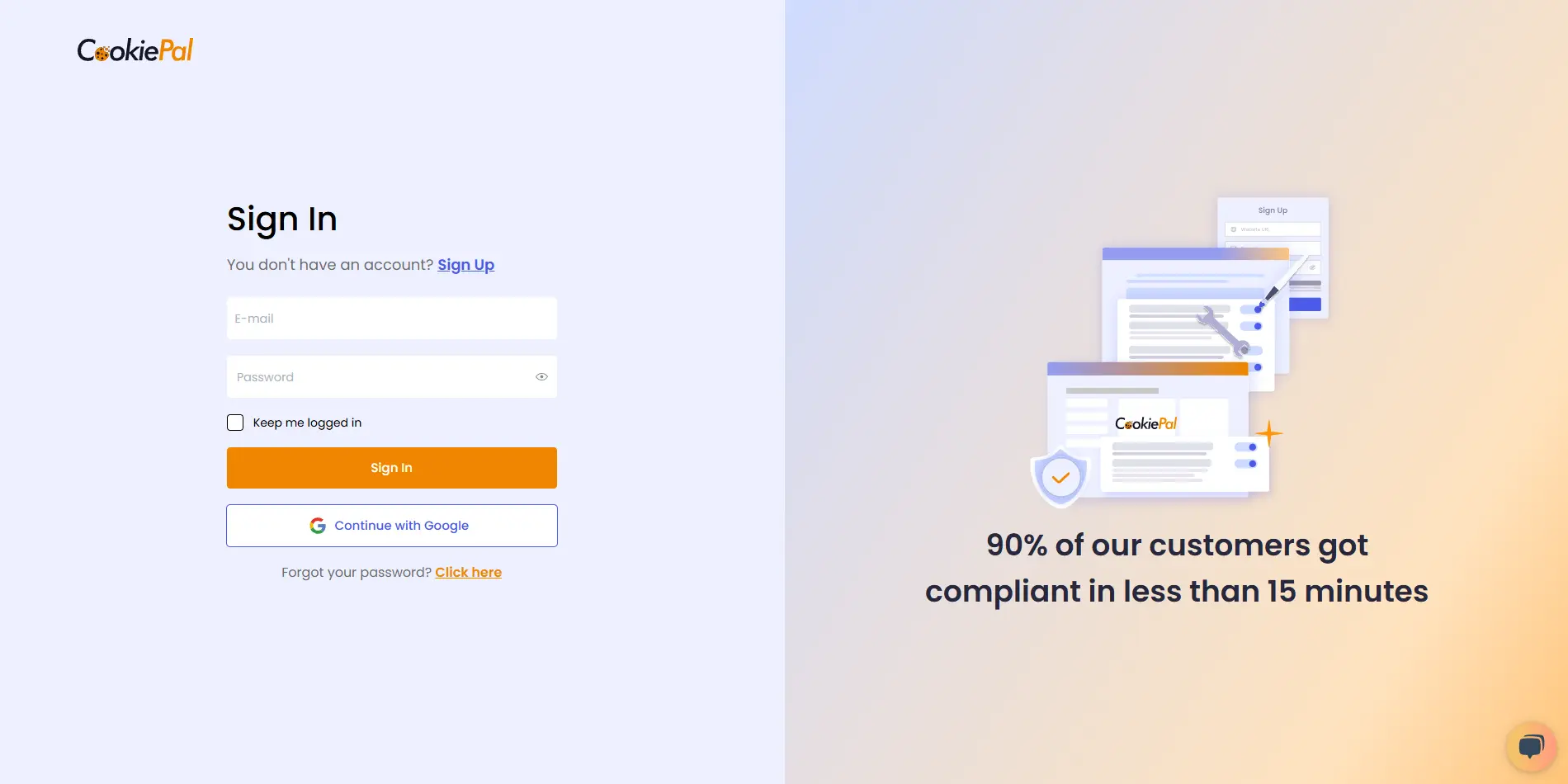
Entre na CookiePal
Acesse a CookiePal e entre na sua conta.
Obtenha o código de instalação
No painel CookiePal, clique no ícone do arquivo HTML para obter o código de instalação.
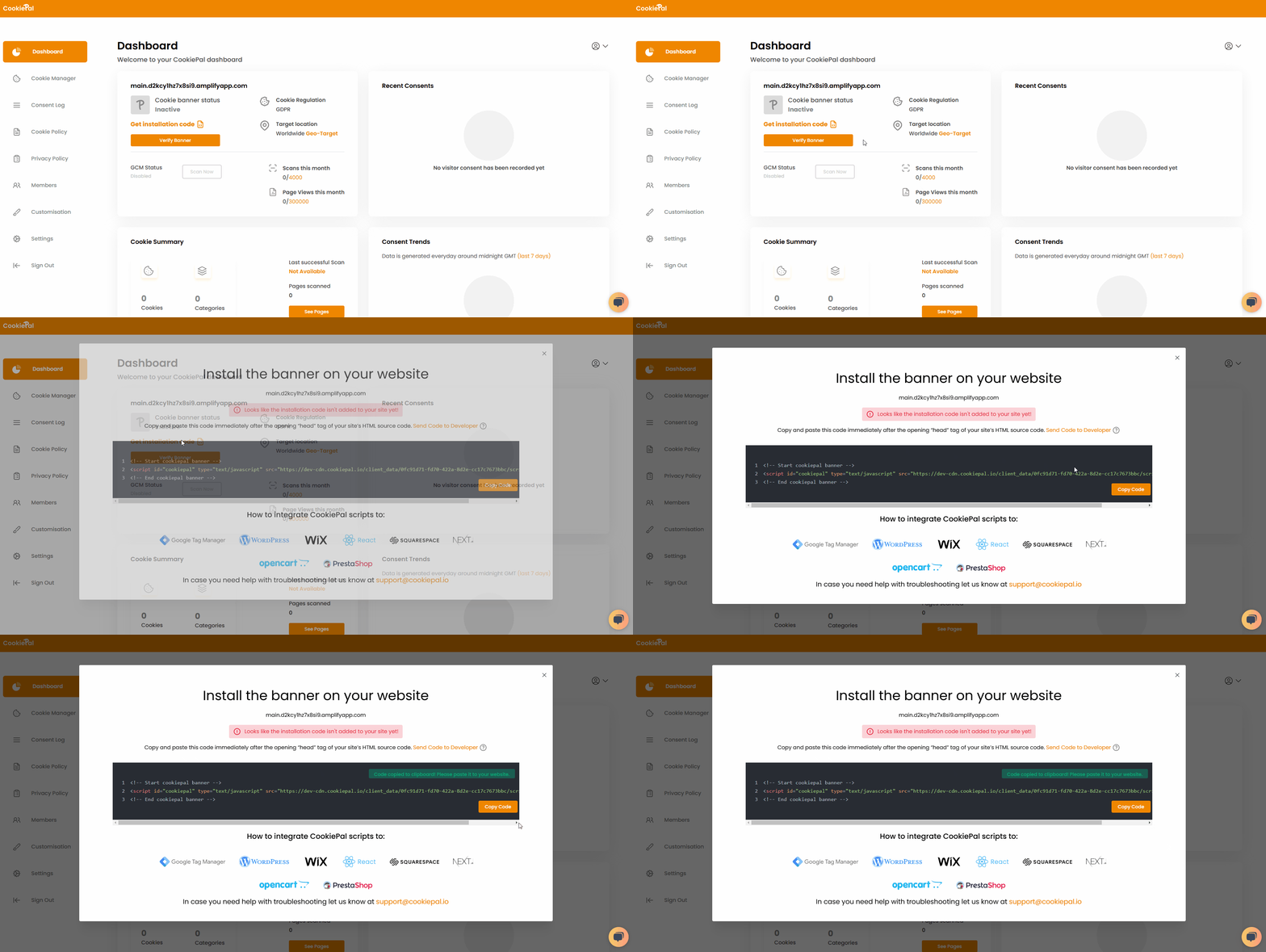
Copie o código do script gerado para a área de transferência.
Adicione o script da CookiePal
Escolha o guia para sua pilha e siga as instruções de instalação passo a passo: guia de instalação.
Ao não usar Google Tag Manager para instalação, certifique-se de que o script seja inserido o mais alto possível no elemento <head> para garantir a execução antecipada.
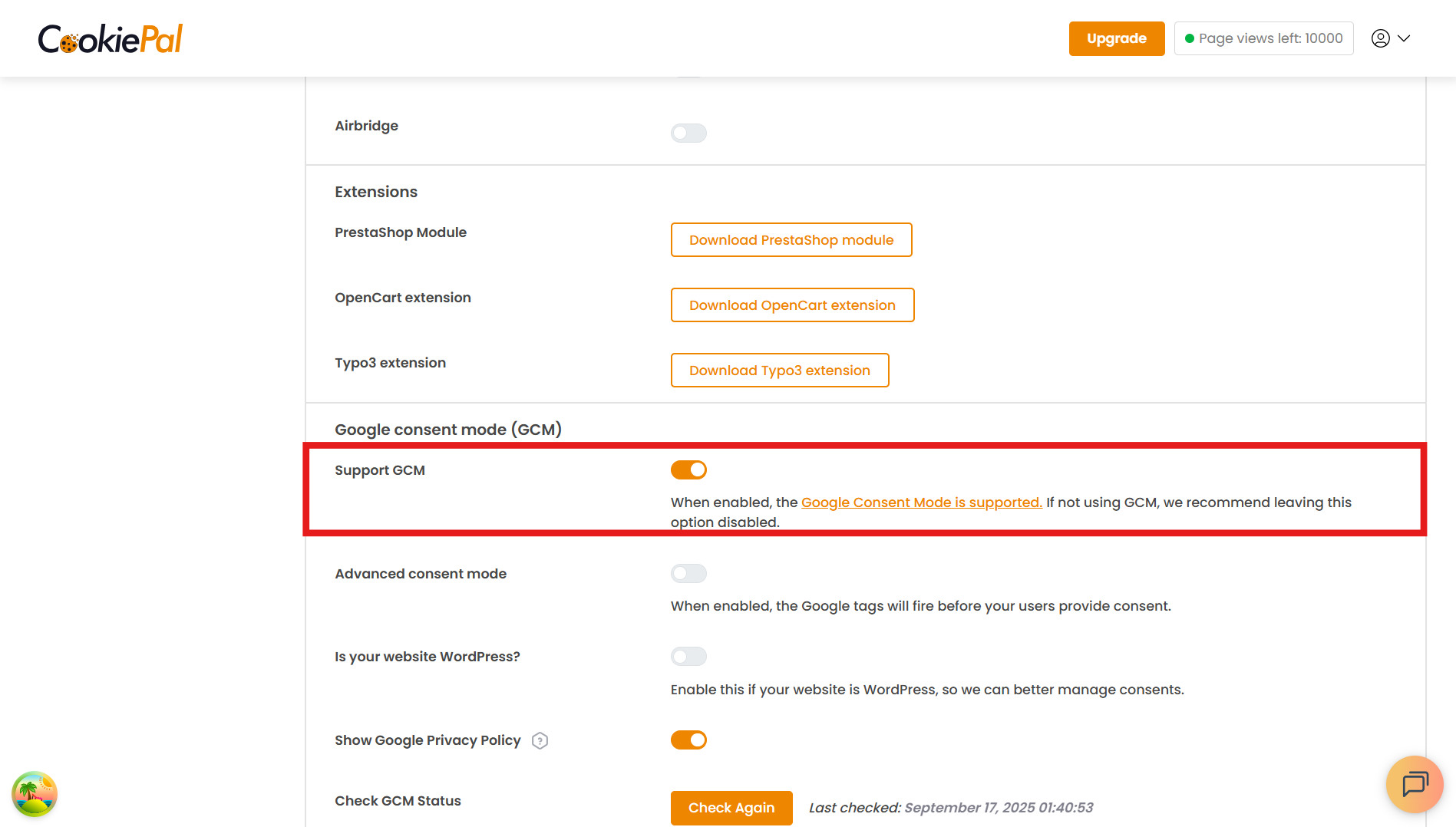
Habilitar Google Consent Mode
Volte para o painel CookiePal.
Navegue até Configurações e habilite Google Consent Mode (GCM).
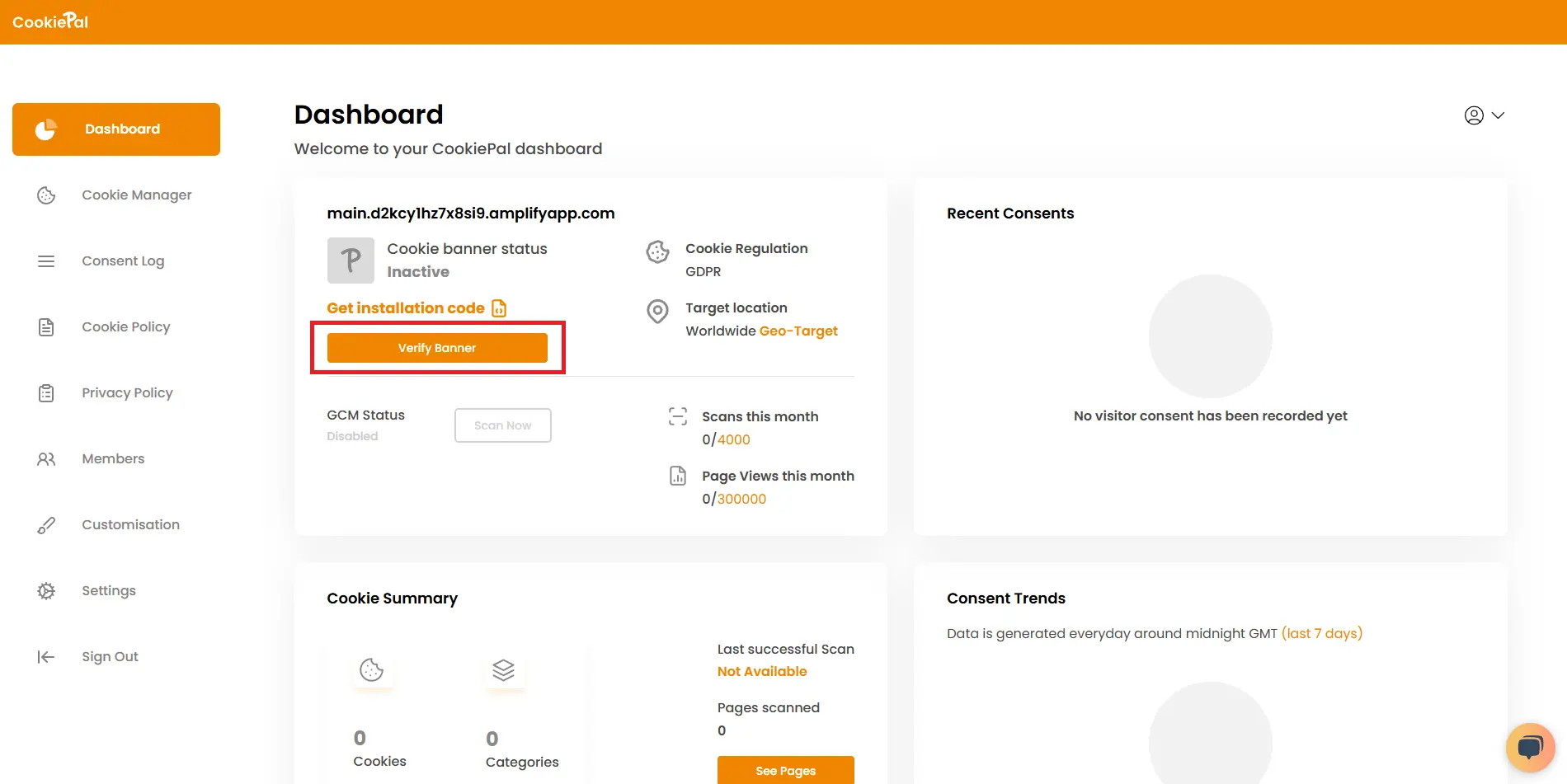
Verifique o banner de cookies
Retorne ao painel CookiePal e verifique se o banner do seu cookie está ativo. O status deve ser exibido como "Ativo".
Visite seu site para confirmar se o banner de consentimento de cookies aparece corretamente e se GCM está ativo e respeitando as escolhas do usuário.
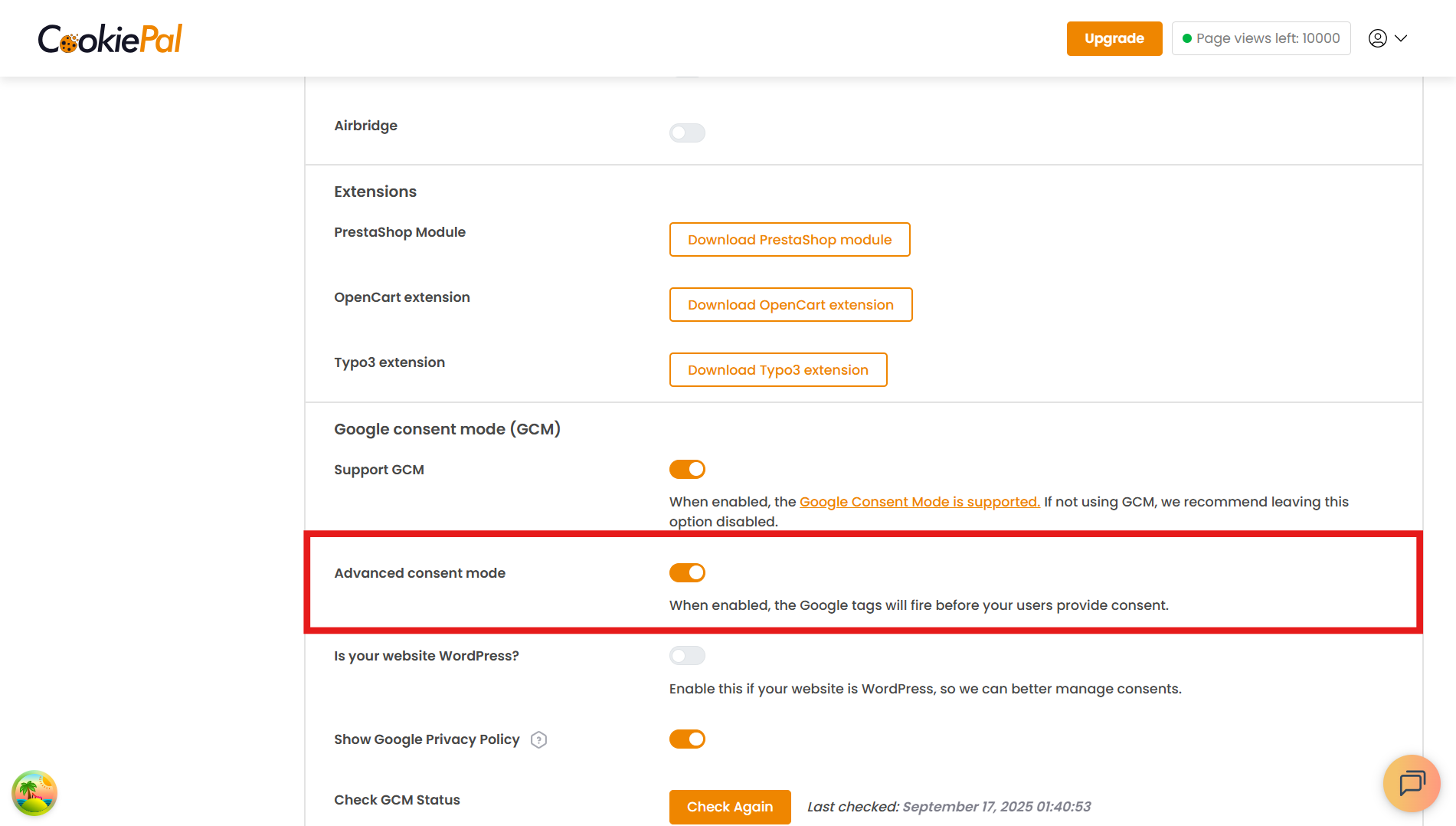
GCM Modo de consentimento avançado
O modo avançado está ativado por padrão. Você pode ativá-lo ou desativá-lo a qualquer momento em Configurações → Google Consent Mode → Modo de consentimento avançado.
Você pode ler este guia para entender melhor a diferença entre o modo de consentimento básico e o modo de consentimento avançado: O que é GCM?