

Agencies
Add your customers and manage them from the agency dashboard.
Edit Your Agency Details and Language
Change your agency details and the dashboard language.
Table of contents
back
to the top
Open Settings
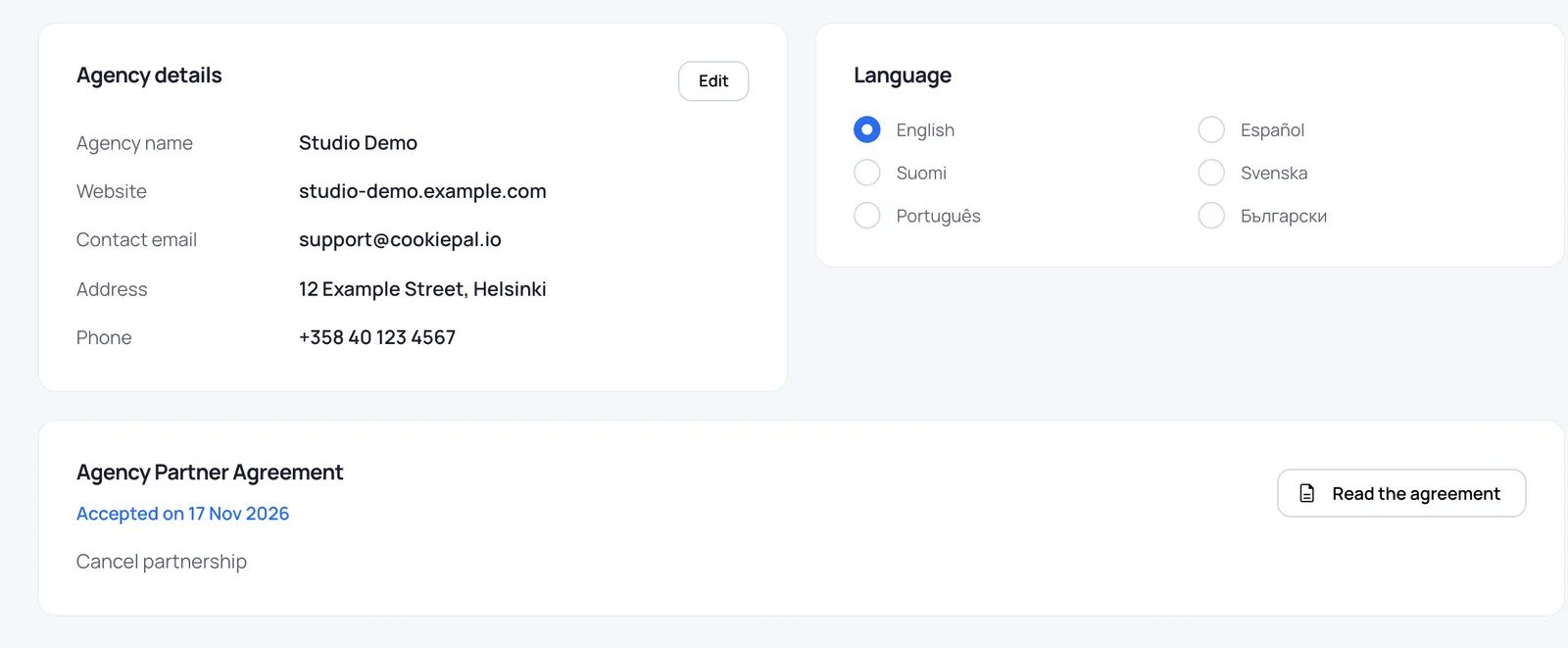
Open "Settings" in the sidebar. The page shows your agency details, the dashboard language and the Agency Partner Agreement.
Edit Your Agency Details
Only agency admins can edit the details. Click "Edit" on the "Agency details" card.
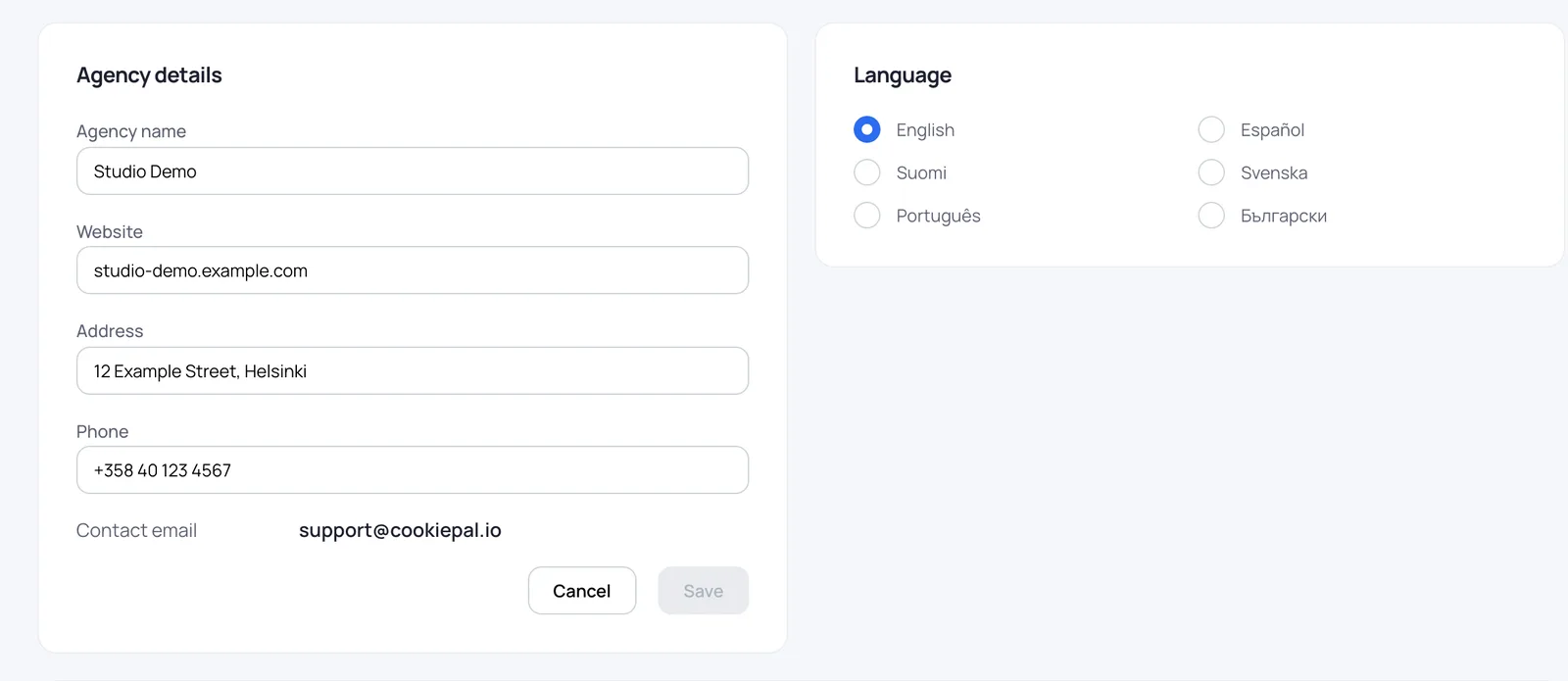
Change the agency name, website, address or phone number, then click "Save". The name is required. The contact email is shown for reference and cannot be changed here.
Change the Language
Under "Language", choose one of the languages offered. The dashboard switches straight away. The language button in the header does the same. The agreement stays in English.
Read the Agreement
The "Agency Partner Agreement" card shows when you accepted the agreement. Click "Read the agreement" to open it.
Cancel the Partnership
To end the partnership, click "Cancel partnership" under the agreement and then "Contact support". We take care of it. Your customers and their accounts are not removed.
Any Questions Left?
Feel free to contact us and we will answer all of yours remaining questions!
Contact Us