

How to Build a Cookie Compliance Process, Not Just a Cookie Banner
August 28, 2026
•

12 min read

Table of contents
back
to the top
How to Build a Cookie Compliance Process, Not Just a Cookie Banner
A cookie banner is not a cookie compliance process.
It is the visible part of the process. It is what visitors see when they arrive on a website and are asked to accept, reject, or manage cookies. But the real work happens behind the banner: scanning the website, understanding what trackers are active, categorising cookies correctly, blocking non-essential cookies where required, keeping records, updating policies, and reviewing changes over time.
Many websites stop too early. They add a banner, link to a cookie policy, and assume the job is done. Then a marketer adds a new advertising pixel. A developer installs a plugin. An agency builds a landing page. A sales team adds a chat widget. A product team adds analytics. Slowly, the website changes, but the cookie setup does not.
That is how cookie compliance gaps appear.
A better approach is to treat cookie compliance as an ongoing website process. The banner still matters, but it sits inside a repeatable system that keeps the website, consent choices, tracking tools, and policies aligned.
This guide explains how to build a practical cookie compliance process for your website, and how CookiePal can help you manage it without turning privacy into a heavy manual task.
Start With a Cookie Audit
Before choosing banner wording or design, you need to know what your website is actually using.
A cookie audit identifies the cookies, trackers, pixels, scripts, embeds, and third-party tools active on your site. This should include more than the homepage. Blog posts, landing pages, checkout flows, account areas, contact forms, embedded videos, and campaign pages can all load different technologies.
A proper audit should answer:
- Which cookies are active?
- Who sets them?
- What purpose do they serve?
- How long do they last?
- Are they necessary, analytics, preference, marketing, or another category?
- Do they load before the visitor has made a consent choice?
- Are there third-party tools that need to be disclosed?
A CookiePal compliance scanner can help identify the cookies and trackers running on your website. That gives you a factual starting point instead of relying on old documentation, developer memory, or assumptions.
The audit is not a one-time exercise. It is the first step in a process that needs to repeat whenever the website changes.
Categorise Cookies Properly
Once you know what is on the website, the next step is categorisation.
This is where many cookie compliance setups become weak. Website owners may place too many cookies under "necessary" because it feels simpler, or they may use broad categories that do not clearly explain what each cookie does.
Necessary cookies are usually cookies the website needs to function. They may support login sessions, security, shopping baskets, load balancing, consent preferences, or payment flows.
Analytics cookies help understand how visitors use the website, such as page views, traffic sources, session behaviour, and performance.
Preference cookies remember choices such as language, region, layout, or display settings.
Marketing cookies support advertising, retargeting, conversion measurement, or ad personalisation.
The category should match the real purpose. An advertising cookie should not be described as necessary just because the marketing team wants conversion data. An analytics cookie should not be treated as essential unless it is genuinely required for the service to work.
Clear categorisation helps users make better choices. It also helps your team understand which tools can run automatically and which need consent controls.
CookiePal's consent management platform supports cookie categorisation, consent banners, auto-blocking, consent records, recurring scans, and preference management in one place.
Write Cookie Descriptions People Can Understand
Cookie compliance is not only technical. It is also about communication.
A cookie policy or preference centre should explain what each category means in plain language. Users should not need to understand tag managers, browser storage, or advertising identifiers to make a choice.
Avoid vague descriptions such as:
- "used to improve user experience";
- "used for functionality";
- "used by third parties";
- "stores information";
- "used for analytics purposes".
These phrases may sound familiar, but they do not explain much.
Better descriptions are specific:
"This cookie remembers your cookie choices so we do not ask you again on every page."
"This cookie helps us understand which pages visitors use most often so we can improve the website."
"This cookie helps measure whether our ads lead to visits, sign-ups, or purchases."
"This cookie keeps items in your basket while you continue browsing."
Cookie descriptions should be short, clear, and accurate. They should explain the practical purpose of the cookie, not just repeat technical wording.
CookiePal's cookie policy generator can help create a structured cookie policy that is easier for visitors to understand and easier for teams to maintain.
Build the Banner Around Real Choices
After the audit, categorisation, and descriptions, the banner becomes much easier to design.
A good cookie banner should give visitors a clear choice. It should not be written to confuse people, hide the reject option, or push users through unnecessary steps. It should explain why cookies are used, provide access to preferences, and link to the cookie policy.
The banner should also work across devices. A banner that looks fine on desktop may cover the entire screen on mobile. Buttons may become too small, preference panels may be hard to scroll, and policy links may be difficult to access.
CookiePal's banner customisation tools let you adjust colours, layout, logo, placement, and language so the consent experience fits your website. The goal is not to make the banner invisible. The goal is to make it clear, fair, and usable.
Design is important, but it should not distract from the main purpose: helping visitors make an informed choice and making sure the website respects that choice.
Make Cookie Blocking Part of the Process
A cookie banner that does not control cookies is only a message.
If non-essential cookies load before a visitor has made a choice, the banner may look correct while the website behaviour is wrong. This often happens when tracking scripts are added separately through Google Tag Manager, website builders, plugins, embedded widgets, or custom code.
A proper cookie compliance process needs to check what loads before consent, after accepting, after rejecting, and after changing preferences.
Cookie auto-blocking helps prevent non-essential cookies from running until the appropriate consent choice has been made. This is especially important for analytics, advertising, heatmaps, retargeting pixels, social media embeds, chat tools, and video platforms.
Do not assume blocking works because the banner is visible. Test it. Open the website in a private browser window, clear cookies, reload the page, and inspect which scripts and cookies appear before any choice is made.
Connect Consent to Marketing Measurement
Cookie compliance and marketing measurement are now closely connected.
Many websites use Google Analytics, Google Ads, Google Tag Manager, Meta Pixel, LinkedIn Insight Tag, Microsoft Advertising, heatmaps, CRM forms, and campaign landing pages. If consent is not connected to these tools properly, measurement can become unreliable.
For Google tools, Google Consent Mode v2 helps supported Google tags adjust based on a visitor's consent choices. This can support more privacy-aware measurement, but it only works properly when the consent setup is configured correctly.
A common mistake is treating Consent Mode as a separate technical task. It should be part of the cookie compliance process.
Check whether:
- the default consent state is set before Google tags run;
- consent choices update correctly after the user interacts with the banner;
- analytics and marketing tags respect those choices;
- conversion events are tested after accepting and rejecting cookies;
- landing pages use the same consent setup as the main website.
If ad performance looks strange, do not only check creative and targeting. Check the consent layer too.
Keep Consent Records
A mature cookie compliance process should include consent records.
Consent records help show what choice a visitor made, when they made it, and which version of the consent setup applied at the time. This can matter for audits, complaints, internal reviews, and troubleshooting.
Without records, a website may be collecting consent but unable to demonstrate it clearly. That weakens the process.
CookiePal's consent management functionality includes consent records, helping website owners move beyond a simple banner and toward a more accountable setup.
Consent records should not be treated as an extra feature only large companies need. Any website that relies on consent for analytics, advertising, personalisation, or third-party tracking benefits from having a record of user choices.
Keep Your Policies Aligned With the Website
Your cookie policy and privacy policy should describe the website that exists today, not the website that existed six months ago.
This sounds obvious, but it is one of the most common problems. Websites change faster than policies. A team launches a new landing page, adds a new analytics tool, installs a chat widget, or changes advertising platforms. The tracking setup changes, but the policy stays the same.
A cookie compliance process should include policy review.
Your cookie policy should explain what cookies and similar technologies are used, why they are used, how long they last, and how visitors can manage preferences.
Your privacy policy should explain how personal information is collected, used, shared, and protected more broadly. This is especially important if the website includes forms, accounts, ecommerce, bookings, downloads, newsletters, or CRM integrations.
CookiePal provides both a cookie policy generator and a privacy policy generator to help teams create clearer documentation.
Assign Ownership Inside the Team
Cookie compliance often fails because nobody owns it.
Marketing owns the website. Developers own the code. Agencies own campaign pages. Sales owns chat tools. Product owns analytics. Legal reviews the policy. But no one owns the full consent process.
That creates gaps.
Every business should decide who is responsible for cookie compliance operations. This person or team does not need to do everything manually, but they should own the process.
They should know when new tools are added, when scans need to run, when policies need updating, and when the banner setup needs testing.
A simple ownership model might look like this:
- Marketing requests new tracking tools or campaign scripts.
- Development implements scripts through an approved process.
- Privacy or operations reviews cookie categories and descriptions.
- The website owner runs scans and checks the banner.
- Paid media tests conversion tracking and Consent Mode.
- Someone keeps the cookie policy and privacy policy updated.
The exact structure depends on the business. The important thing is that cookie compliance is not left to chance.
Review New Tools Before They Go Live
The easiest time to manage cookie compliance is before a new tool is added.
Create a simple review step for any new tracking, marketing, analytics, support, embedded, or personalisation tool. Before it goes live, ask:
- Does it set cookies or use similar tracking?
- Is it necessary for the website to function?
- Does it collect personal information?
- Does it need consent before loading?
- Which category should it belong to?
- Does the cookie policy need updating?
- Does the privacy policy need updating?
- Does it affect Google Consent Mode or ad tracking?
This review does not need to be slow. For most tools, it can be a short checklist. But without it, new scripts can appear on the website without anyone knowing how they affect consent.
This is especially important for agencies and fast-moving marketing teams that launch landing pages regularly.
Run Recurring Scans
A cookie compliance process should include recurring scans.
Even if your website is clean today, it may change tomorrow. Plugins update. Third-party providers change their scripts. Campaign tags are added. Embedded tools behave differently. A new page template loads a script that was not present before.
Recurring scans help catch these changes.
CookiePal's recurring scan functionality helps teams monitor their website over time rather than relying on a one-time review. This is one of the biggest differences between having a cookie banner and having a cookie compliance process.
A banner can become outdated. A process helps keep it current.
A Practical Cookie Compliance Workflow
A strong workflow does not need to be complicated.
Use this simple process:
- Scan the website to identify cookies and trackers.
- Categorise cookies based on their real purpose.
- Write plain-language descriptions.
- Configure the consent banner and preference centre.
- Block or adjust non-essential cookies before consent where required.
- Connect consent choices to Google Consent Mode and tag management.
- Test the website before and after consent choices.
- Store consent records.
- Update the cookie policy and privacy policy.
- Re-scan when the website or marketing stack changes.
This process can be repeated for major website updates, new landing pages, new advertising campaigns, new plugins, new embedded tools, and new product features.
Build a Process That Can Survive Website Changes
Cookie compliance is not finished when the banner goes live.
A website is always changing. The compliance process needs to keep up with those changes. That means scanning regularly, reviewing new tools, updating policies, testing consent behaviour, and making sure marketing measurement respects user choices.
A cookie banner is useful. But by itself, it is not enough.
Start with a free CookiePal compliance scan to understand what your website is currently loading. Then use CookiePal to manage the banner, cookie categories, auto-blocking, consent records, Google Consent Mode, cookie policies, and recurring scans as one connected process.
Cookie compliance works best when it becomes part of how the website is managed, not something added at the end.
This article provides general information and is not legal advice. Privacy obligations depend on your website, data practices, audience, and applicable laws.
Explore further

Do A/B Testing Tools Require Cookie Consent?
A/B tests can store IDs, share events and feed ad audiences. Learn when experiments need consent, when a narrow exemption may apply and how to run tests without ignoring privacy.
October 22, 2026
9 min
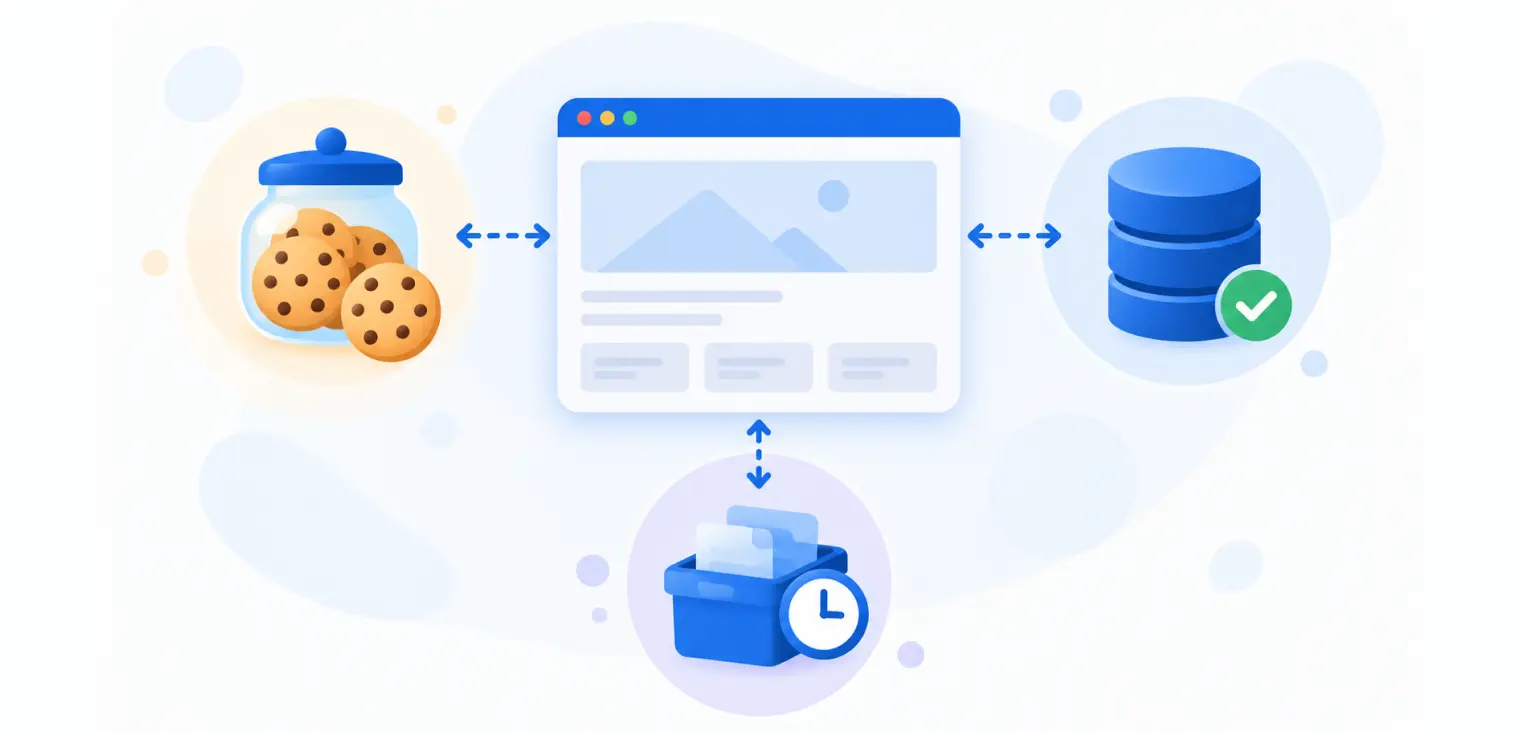
Cookies, Local Storage and Session Storage: What Is the Difference?
Cookies, local storage and session storage behave differently, but none is exempt from consent. Learn how each one works, which to use and how to review them in your consent process.
October 22, 2026
9 min
Does reCAPTCHA Require Cookie Consent?
reCAPTCHA can be exempt as necessary security, but not every setup is. Learn how to assess your reCAPTCHA version, audit its cookies and keep forms working when visitors say no.
October 15, 2026
7 min