

Instalação
Instruções de instalação e configuração
Como adicionar um banner de cookies em uma loja Shopify
Neste guia, mostraremos a instalação da CookiePal em uma loja Shopify
Table of contents
back
to the top
CookiePal helps you ensure your Shopify store complies with GDPR and other privacy laws by managing cookie consent for your users. This guide will walk you through the steps to integrate CookiePal with your Shopify store.
Step 1: Install CookiePal
1. Navigate to the Shopify Admin > Apps.
2. Click the “Apps” tab.
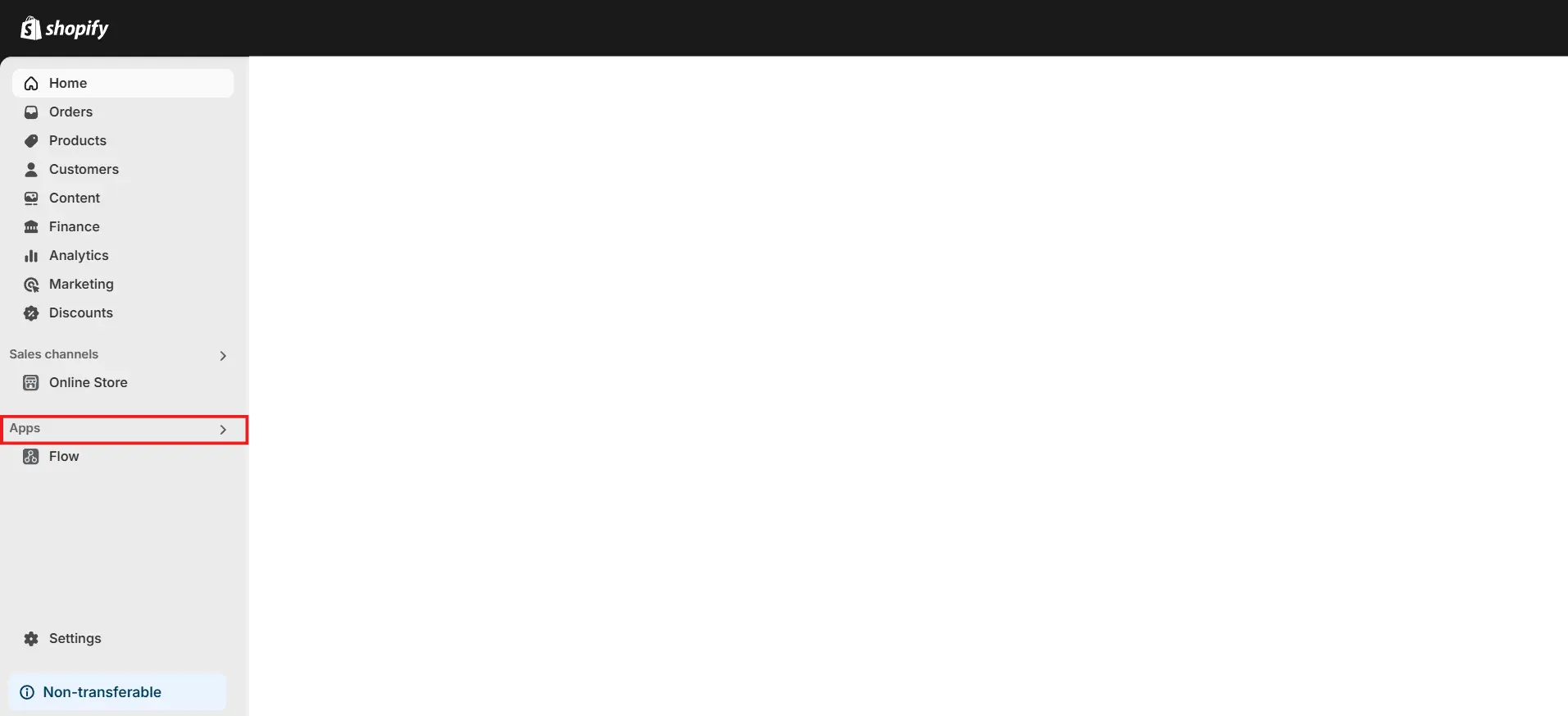
3. Type CookiePal in the search box and hit enter.
3. Once you’ve found the app, click on CookiePal.
4. Click the Install button on the app store page.
5. Click the Install app button on the oauth page.
Once you complete these steps, you should have successfully installed CookiePal in your Shopify store.
Step 2: Initial Setup
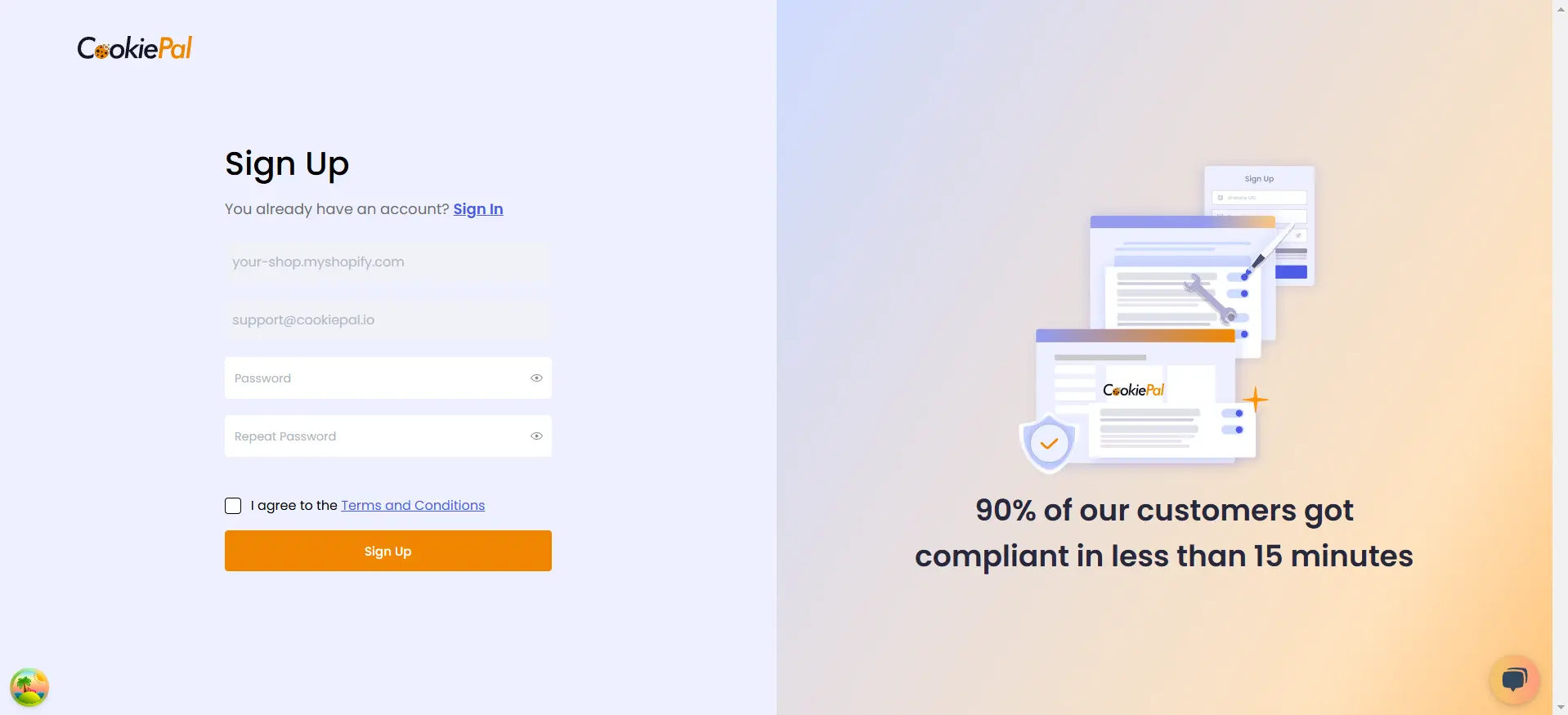
New Account Creation: After installation, you will be taken to the Sign Up page, where you can effortlessly create a new account.
Step 3: Activation
1. Choose your banner template and click the Next.
2. Customise your banner.
3. Copy the CookiePal Script by clicking the Copy Code button.
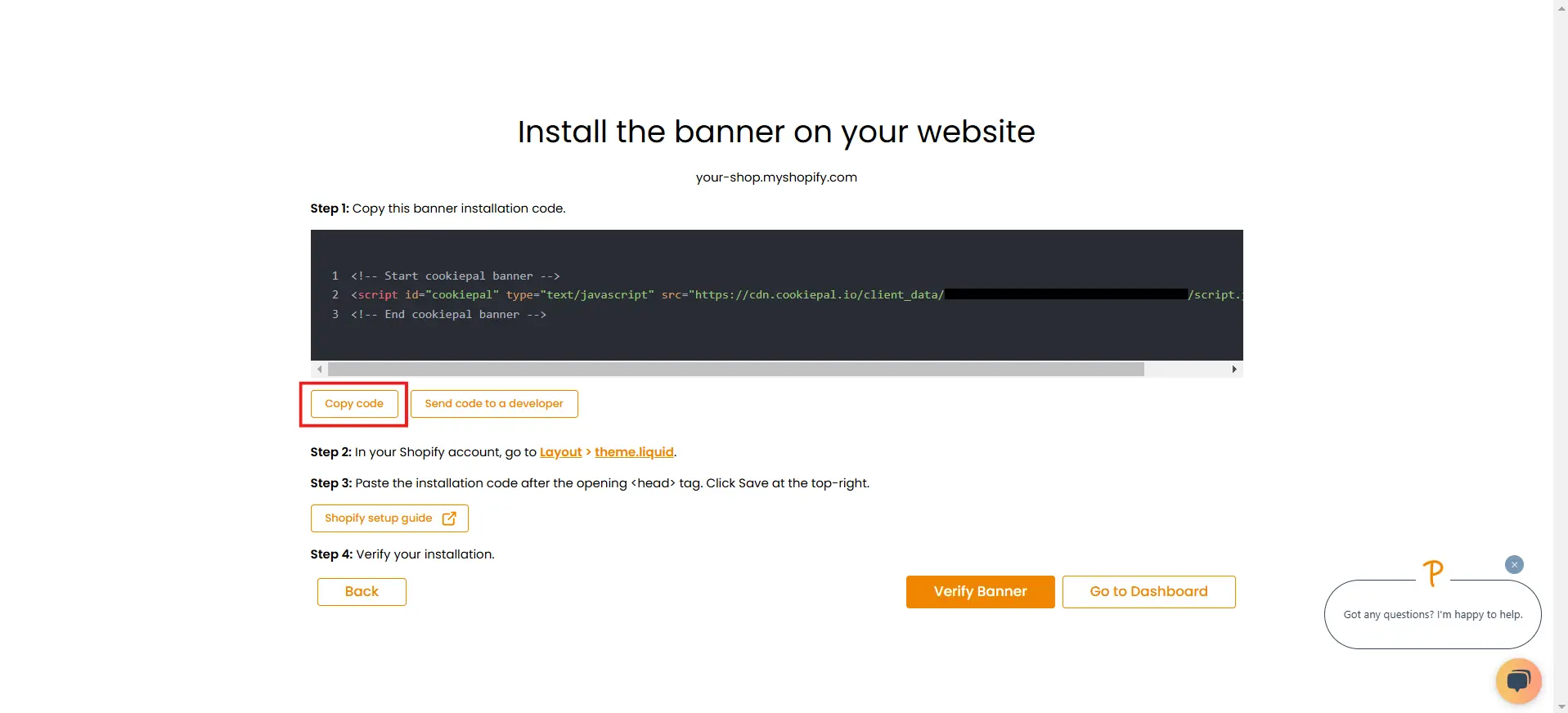
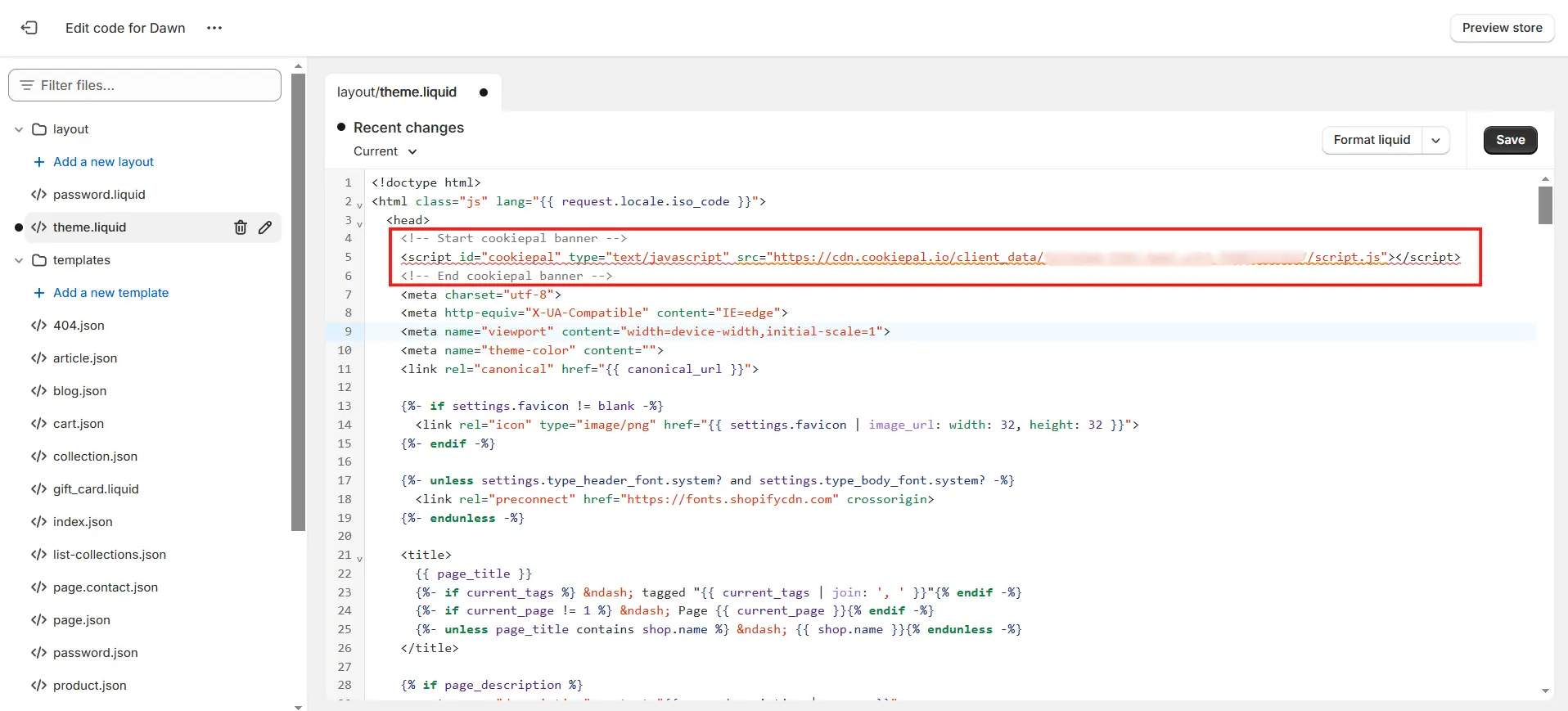
5. you can simply click on theme.liquid and you will be redirected to your theme's head, and then you can paste the script after the <head>
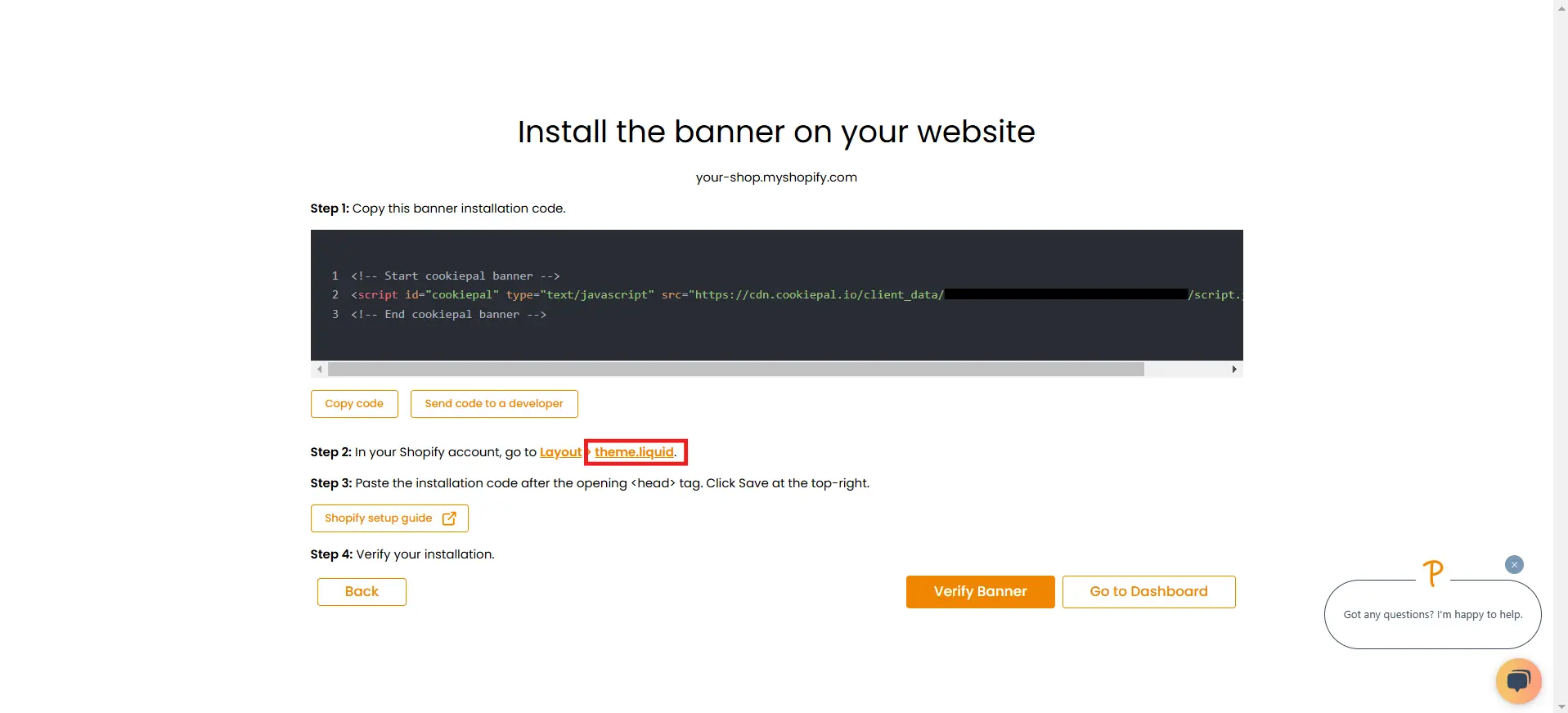
4. Or you can go to your Shopify Dashboard, navigate to Online Store under Sales channels and click Themes.
5. In the Theme section, click on the Three dot menu icon and select Edit Code from the dropdown.
6. Choose the file theme.liquid under the Layout section.
7. Paste the copied code inside the head tag immediately after opening of <head> tag.
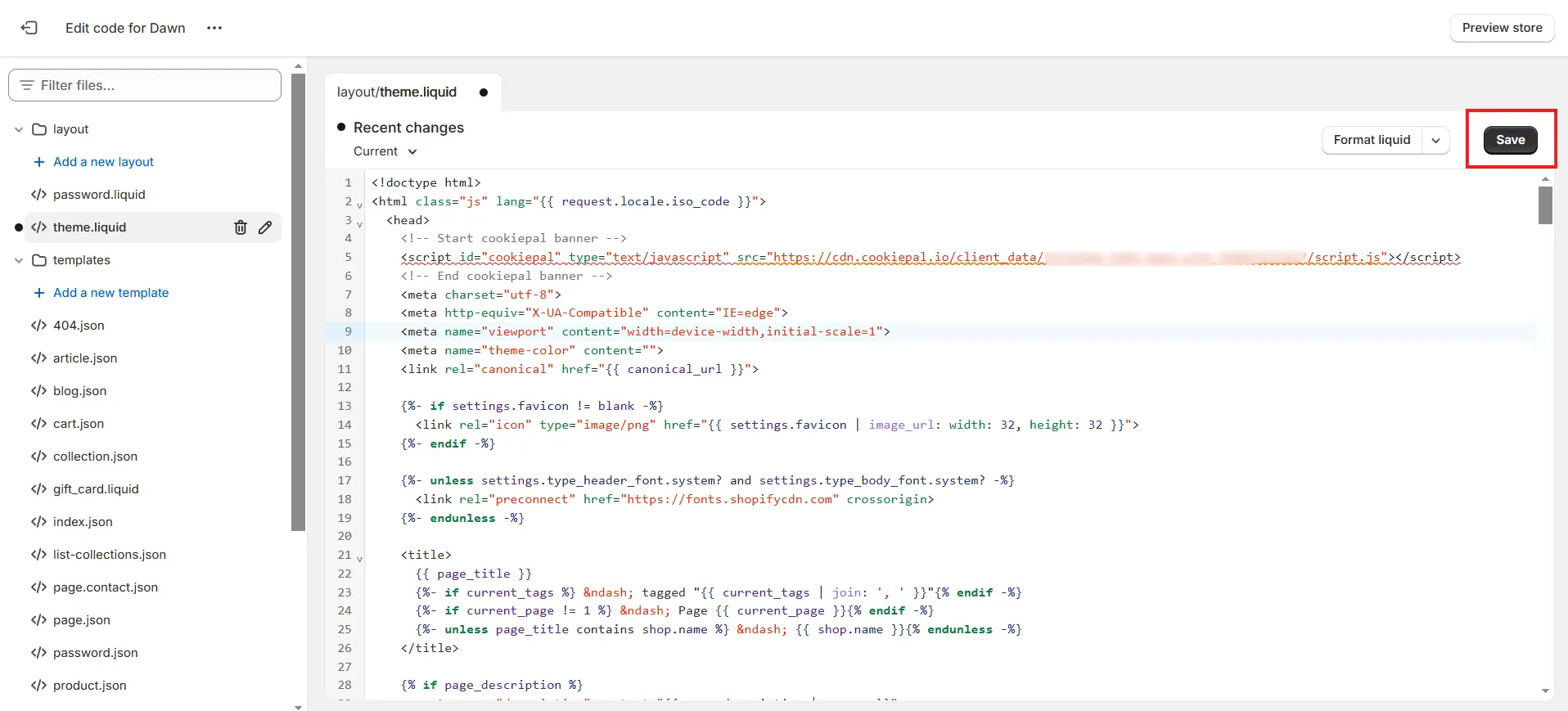
8. Click the Save button in the top-right corner.
Step 4: Verify Installation
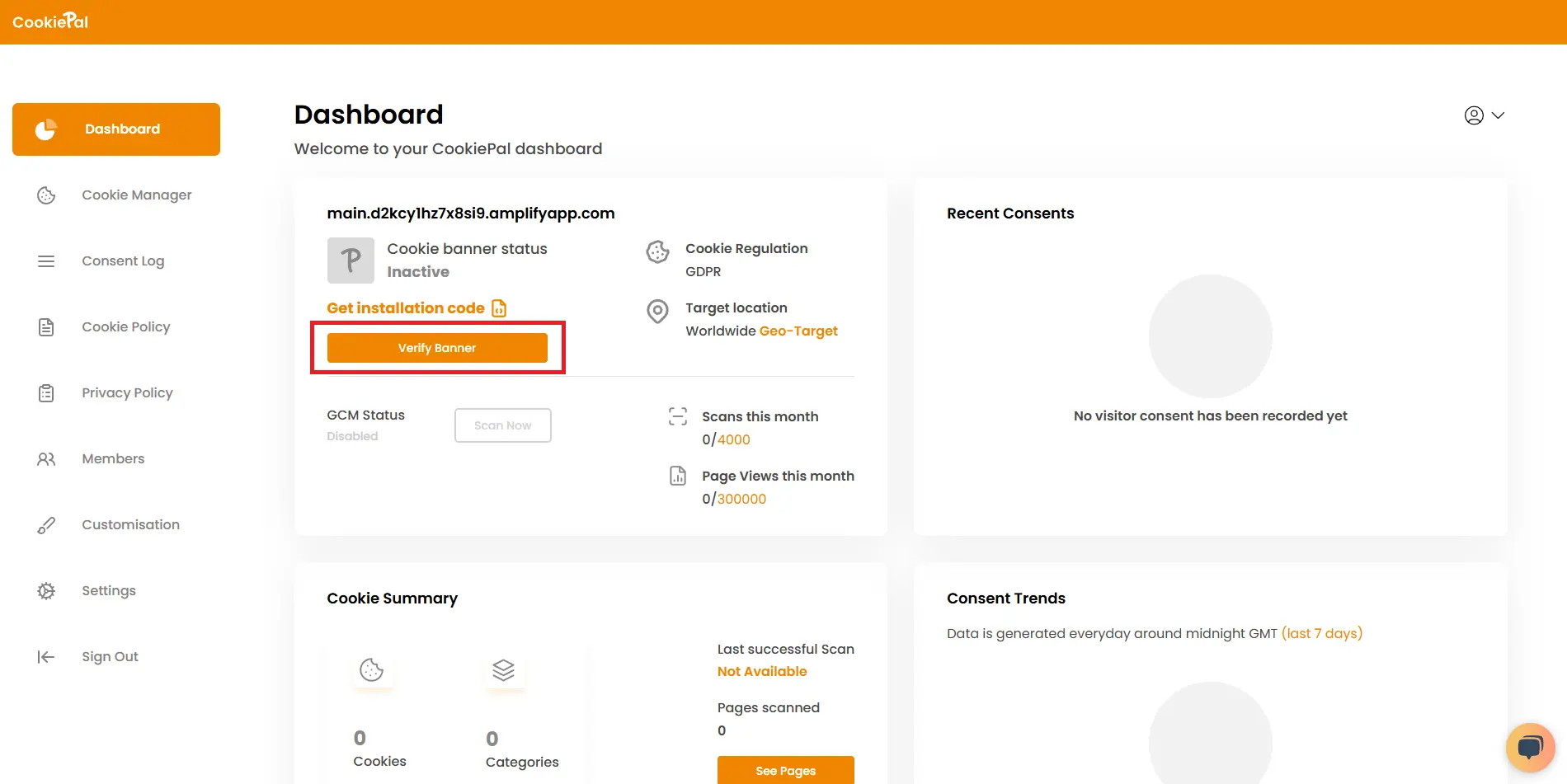
Go to your dashboard and verify the installation by clicking the "Verify banner" button.
Step 5: Verify the Cookie Banner
Test Implementation: Visit your website to ensure the cookie consent banner appears correctly and cookies are blocked until user consent is given.