

Агенции
Добавяй и управлявай клиентите си от таблото за агенции.
Управлявай клиентите си
Търси, филтрирай и сортирай клиентите си и откачи домейните, които вече не управляваш.
Table of contents
back
to the top
Find a Client
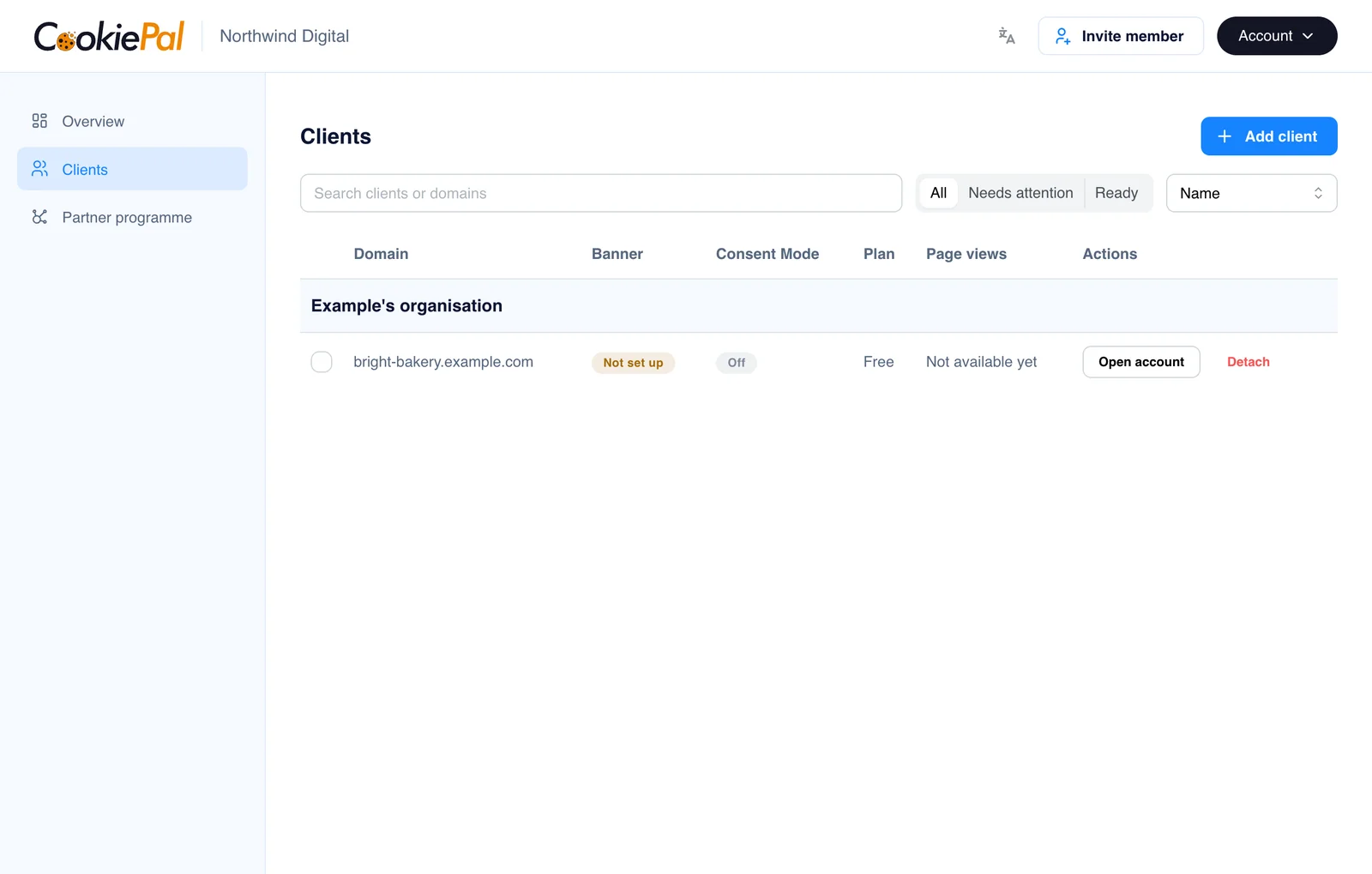
Open "Customers" in the sidebar. Each row is one client domain, with its Banner status, Consent Mode status and plan.
- Search by client name or domain.
- Filter by "All", "Needs attention" or "Ready".
- Sort by name, plan or status.
Sites you added that still wait for their DNS record are listed above the clients, under "Waiting for DNS". See Add Many Customers at Once and Verify Their Domains.
Detach a Domain
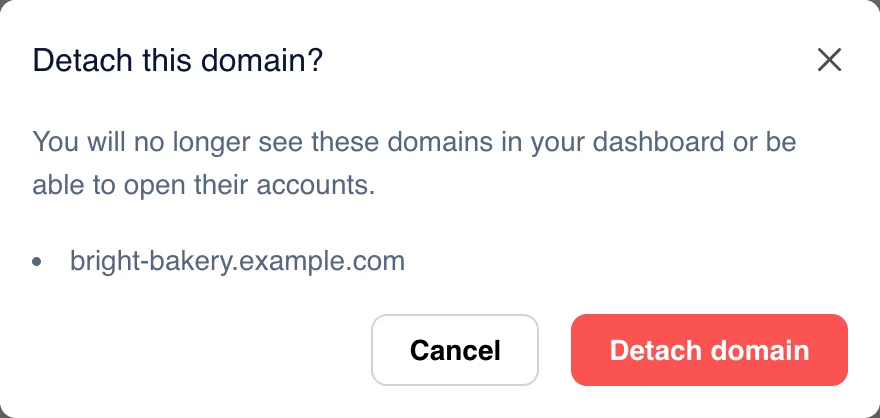
Only agency admins can detach domains. To stop managing a domain, click "Detach" on its row. To detach several at once, tick them and click "Detach selected". Confirm in the window that opens.
Once detached, the domain leaves your dashboard and you can no longer open its account. To link it again, the client enters your partner code again.
Имаш ли още въпроси?
Свържи се с нас и ще отговорим на всички въпроси, които са ти останали!
Свържи се с нас