

Агенции
Добавяй и управлявай клиентите си от таблото за агенции.
Покани членове на екипа
Дай на колегите си достъп до таблото за агенции.
Table of contents
back
to the top
Send the Invite
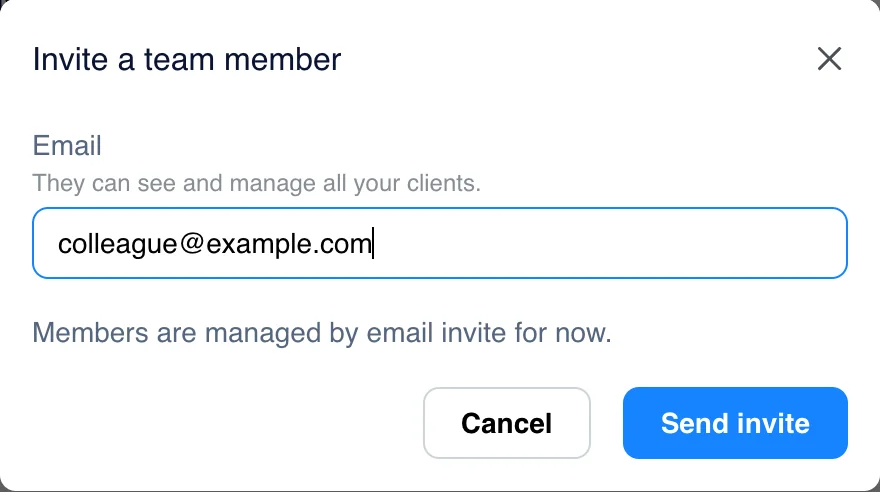
Only agency admins can invite members. Click "Invite member" in the header. On a phone or a small screen, open the menu first. Enter your colleague's email and click "Send invite".
Members can see and manage all of your clients.
Your Colleague Signs In
Your colleague gets an email with a link to set their password. The link works for 7 days. Once their password is set, they sign in on the agency sign-in page.
If the link has run out, an admin can send it again: open the actions on their row on the "Team" page and click "Resend invite".
Remove a Member
Agency admins manage the team on the "Team" page. To remove someone, open the actions on their row and click "Remove". Use the role menu on a row to make someone an admin or a member.
An agency always needs at least one admin, so the last admin cannot be removed.
Имаш ли още въпроси?
Свържи се с нас и ще отговорим на всички въпроси, които са ти останали!
Свържи се с нас